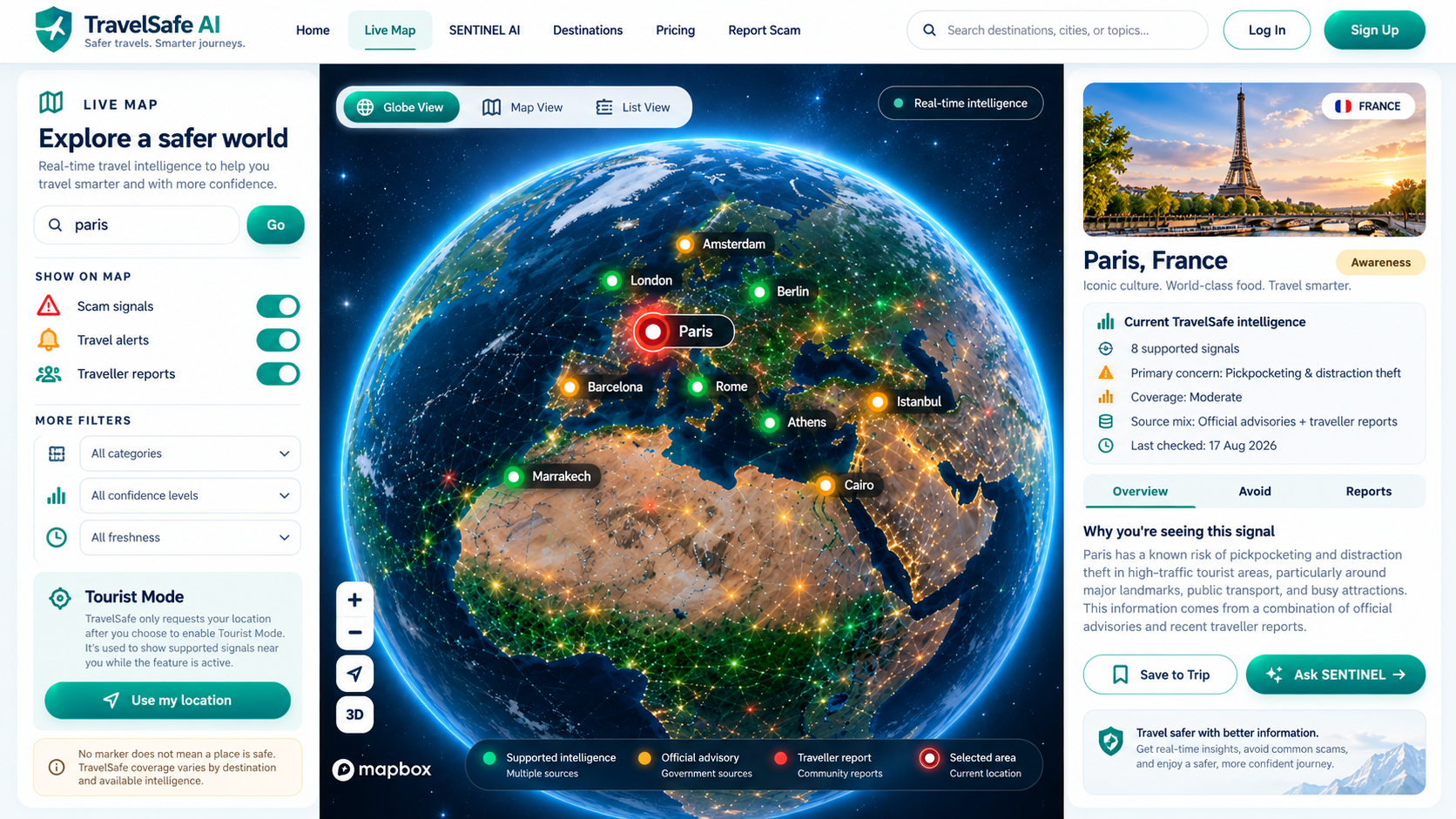
TravelSafe AI helps you understand changing scam risks around your journey and can surface proximity alerts when Tourist Mode is active.

See supported scam and safety signals around places you care about.
Tourist Mode can surface relevant proximity warnings while active.
Use text or voice to ask about scams, safety and trip decisions.
Report scams or tell us when a signal may no longer be relevant.
TravelSafe’s map is designed to refresh supported intelligence as evidence changes. Click a signal to see why it is shown, how fresh it is, confidence context and practical prevention guidance.
Add your destination and dates so your TravelSafe workspace stays centred on the journey.
Use the map and SENTINEL to understand the supported travel-safety context around your destination.
When you enable location access, TravelSafe can check supported hotspots near you and surface relevant warnings.
TravelSafe can combine source-backed intelligence and reviewed traveller reports.
Signals display update context when the source provides it.
Travellers can mark information useful, irrelevant or potentially outdated.
TravelSafe is decision-support, not an emergency service.
Create an account, save your journey and keep the map, SENTINEL and Tourist Mode tools together.